
All Your Security, All in One Spot
Simplify Security Management

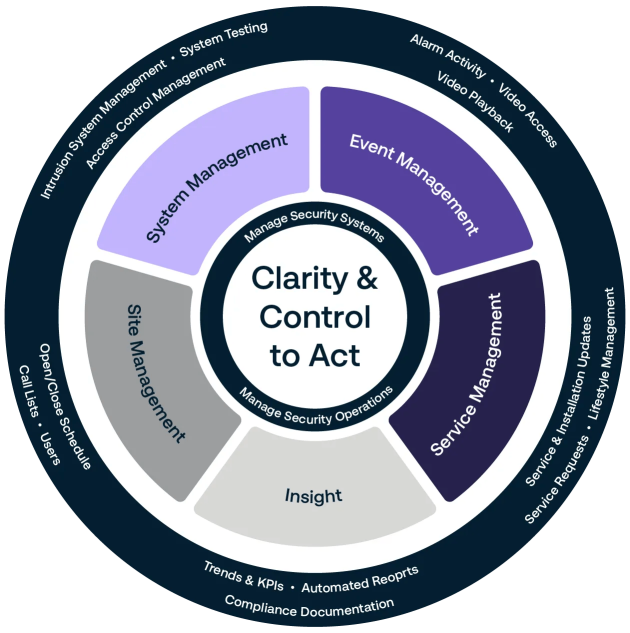
SecureStat® HQ™ unifies data from multiple locations so you can efficiently control your sites, systems, events and users.
Connect to Our Services

SecureStat® HQ™ is the 24/7 gateway to our award-wining installation, monitoring and repair services.
Optimize Performance

SecureStat® HQ™ identifies opportunities to reduce risk, improve security procedures and deliver a better experience.
A Security Management Platform for Global Scale
Enterprise-level site control
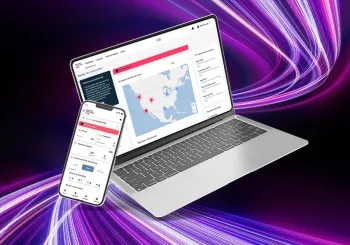
Locations at scale: organize and manage hundreds or even thousands of locations.
Site schedules to drive consistency in security, operations and customer experience.
Edit contacts and call lists to keep every site up-to-date.
Efficient system management
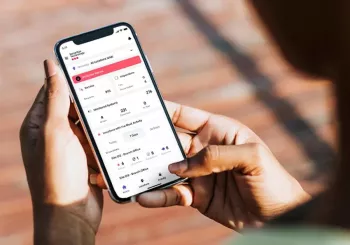
Control multiple systems, including access control, video surveillance, and intrusion detection.
Manager user access across systems.
Test systems easily and from anywhere with internet access.
Real-time event management
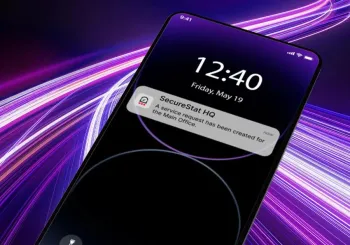
Activity Messenger to see activity across locations, including scheduled, unscheduled, and other open and close activities.
Alarm Messenger with push notifications to see and respond to alarms on the go from a mobile device.
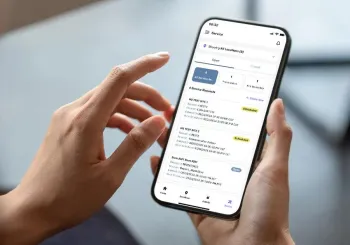
Streamlined service
Open service tickets and connect with Support.
Service Messenger™ for automated updates on service requests.
View open invoices.
Coming soon! Monitor installation projects
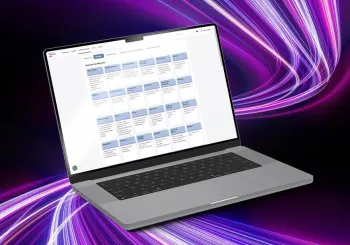
Visibility and insight
Automated report generation with extensive customization: exception reporting, compliance reporting, event summaries and more.
Exception reporting to see essential information.
Report subscriptions to drive standardized reporting from all locations.
Get Started Today
SecureStat® HQ™ is available to every Securitas Technology client, and can help your organization streamline security management, make full use of our services, and drive better security and business outcomes.
Find the Right SecureStat® HQ™ Option for your Organization
Getting started with SecureStat® HQ™ is easy, and it's available to every client! Our support team will help you set up an account customized to your organization. Explore your options below:
Extend the Power of SecureStat® HQ™
Advanced and Premium users have access to these powerful advanced services delivered via SecureStat® HQ™.
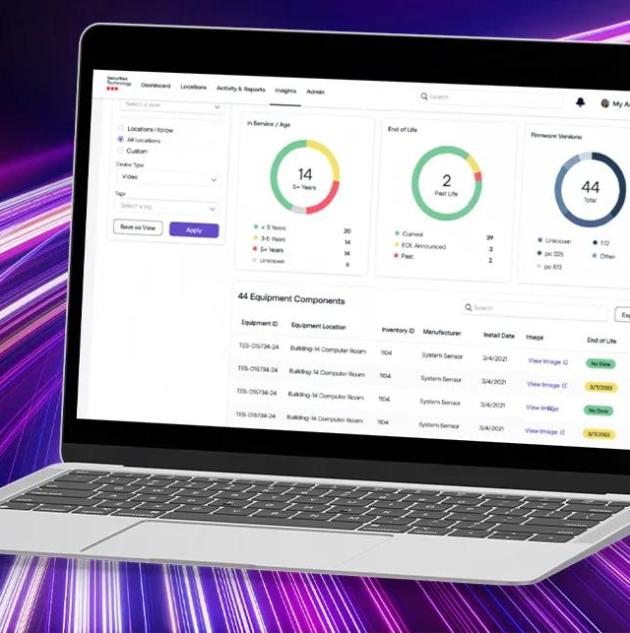
SecureStat 360®: Lifecycle Management Made Easy
Deliver greater security and value to your organization through SecureStat 360® technology lifecycle management.
SecureStat® Video
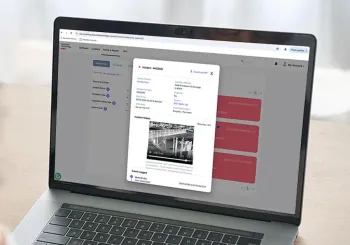
Enhance alarm events with video
SecureStat® Video enables clips of events from your video surveillance system to be added to alarm information in Alarm Messenger. Responders can see what happened to aid in verification and planning a response. You can also link to live camera views from within SecureStat® HQ™.
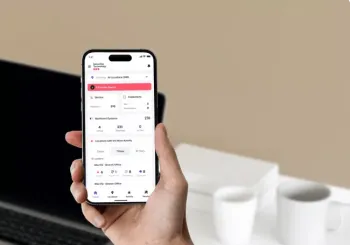
SecureStat® Alarm
Remotely manage your intrusion system
Simplify the management of your intrusion system with SecureStat® Alarm. You can complete essential tasks remotely, including arming/disarming, checking system status, bypassing alarm zones, and managing users' Personal Identification Numbers.
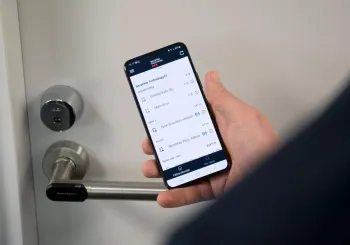
SecureStat® Access
Easier management of access control
SecureStat® Access offers you a unique set of features for the remote management of your access control system, including the ability to remotely lock and unlock doors. You can also add, delete and modify cardholder and schedule information, and monitor door conditions.
FAQs
You can log in here.
Speak to your account manager about activating SecureStat® HQ™ for your organization, or contact us.
Contact us today and we can help you get started!
Yes! You can submit service tickets easily, specifying the specific location and system. You can also stay up to date on status through Service Messenger, a part of SecureStat® HQ™.
Yes, SecureStat® HQ™ is designed for enterprise scale, and allows you to manage hundreds and even thousands of locations and systems.
SecureStat® HQ™ is compatible with a wide range of systems from Securitas Technology, as well as our Monitoring Services. The platform integrates Access Control, Video Surveillance, Intrusion Systems, Fire Detection Systems and more.
Yes, an API for custom integrations is available with the Premium subscription.
Yes, you can manage your security systems, locations, and users through SecureStat® HQ™, and easily access our award-wining services.
An integrated security management platform allows you to manage your security ecosystem through a secured desktop and/or mobile app.
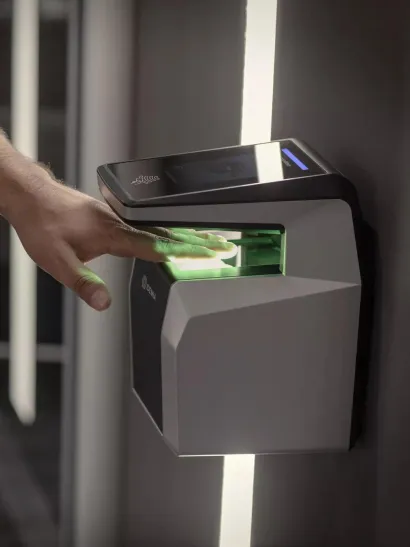
Access Control
Create a safe environment for your employees and visitors with commercial access control systems.
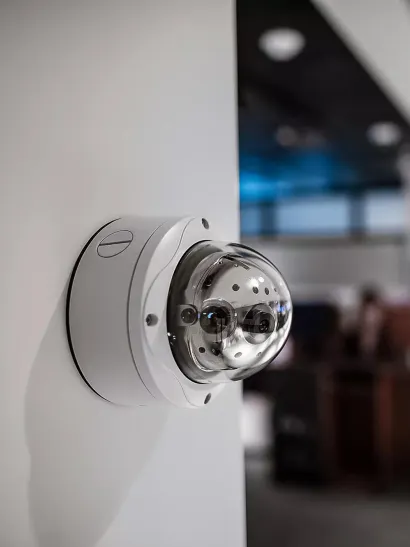
Video Surveillance
Keep an eye on your business from anywhere, any time with Securitas Technology, one of the top verified video surveillance companies.
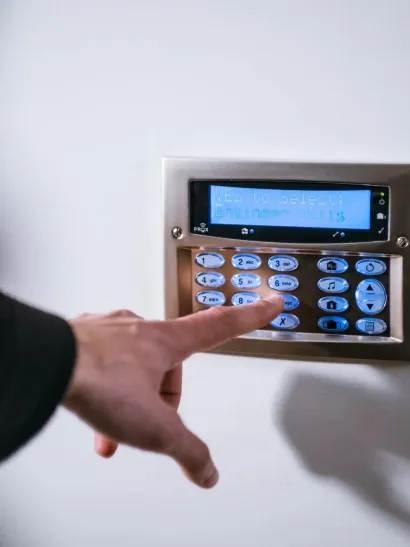
Intrusion Detection System
Deter potential intruders from your premises with a reliable intrusion system.
Get Started Today and Take Control of Your Security
Speak to a Securitas Technology expert


